Lesson types
In Audienced, you can create different lesson types within each module, depending on the kind of content you want to deliver to users.
To create a new lesson:
- Select a lesson type within the module.
- The system redirects you to the next step, where you add the content.

Available lesson types
Video
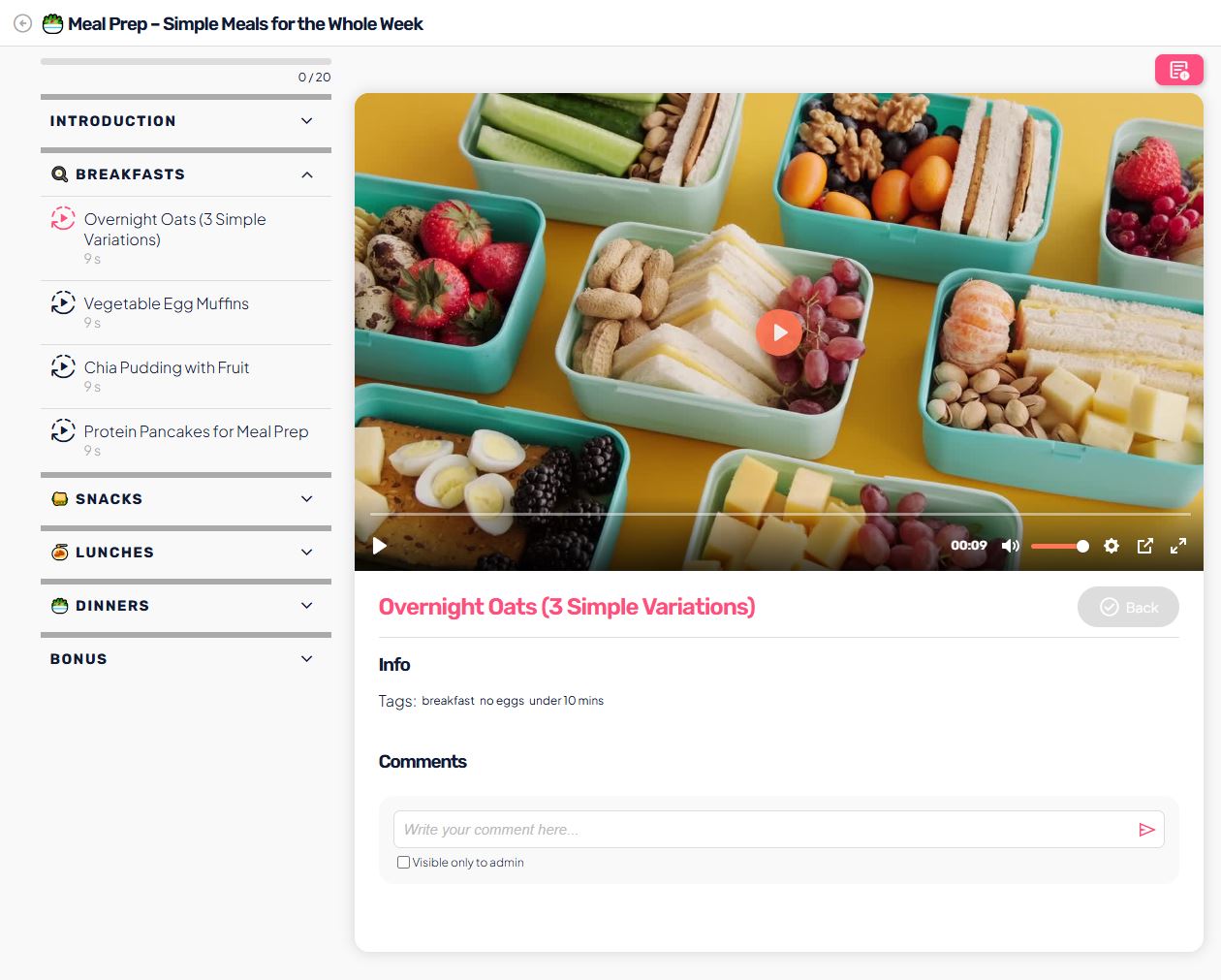
Video lessons are the most commonly used lesson type.
They allow you to:
- add video content via:
- external platforms (e.g. Bunny, Vimeo, YouTube embed),
- or by uploading a video file,
- add a description and additional content below the video,
- combine video with other materials (e.g. PDF).
Use cases: topic explanation, training, guided exercises, lectures.
Text
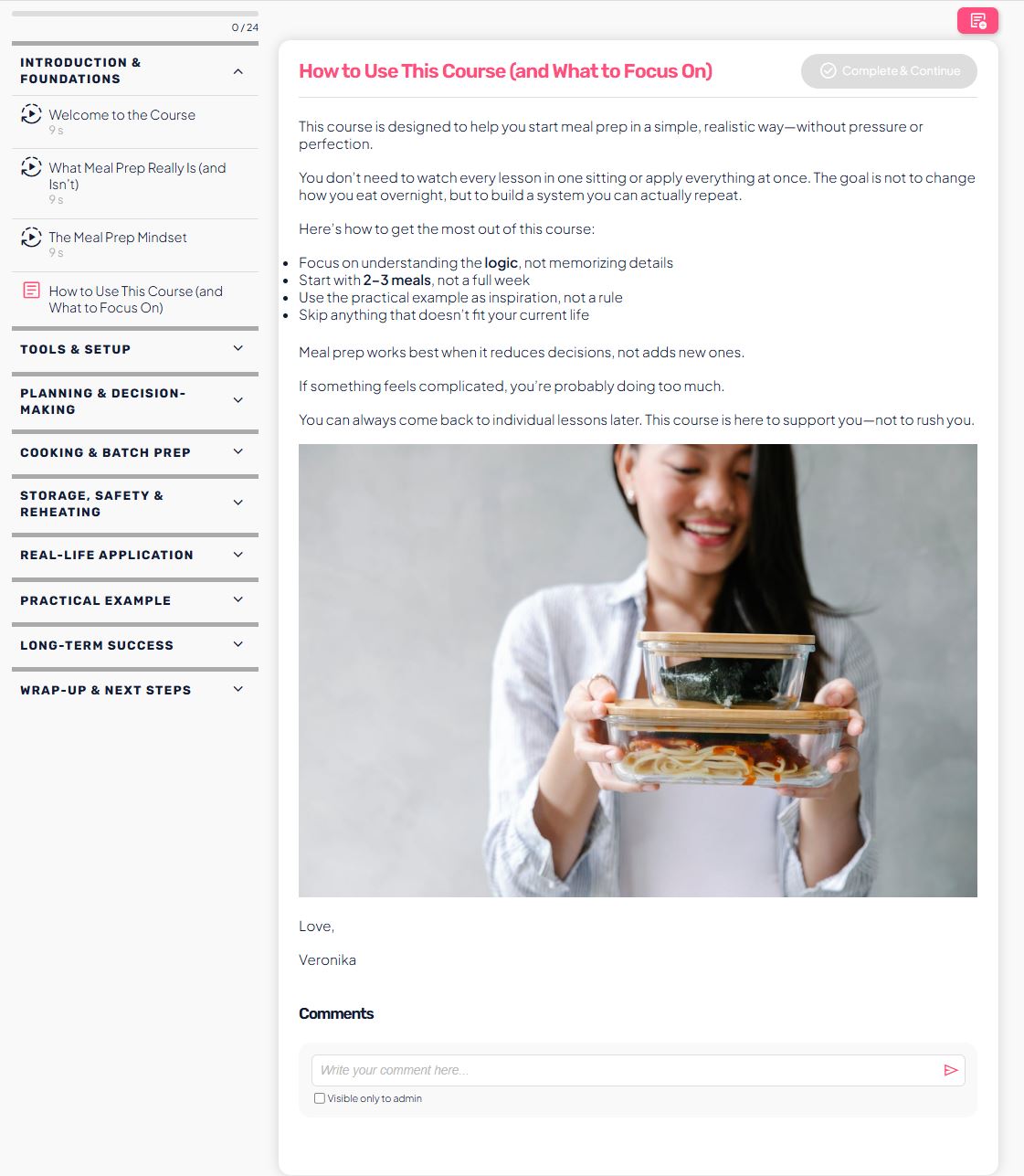
Text lessons are designed for written content.
They allow you to:
- edit content with a rich text editor (headings, bold text, links),
- add structured instructions or explanations,
- use the lesson as an introduction, summary, or standalone unit.
Use cases: instructions, step-by-step explanations, module summaries.
Audio
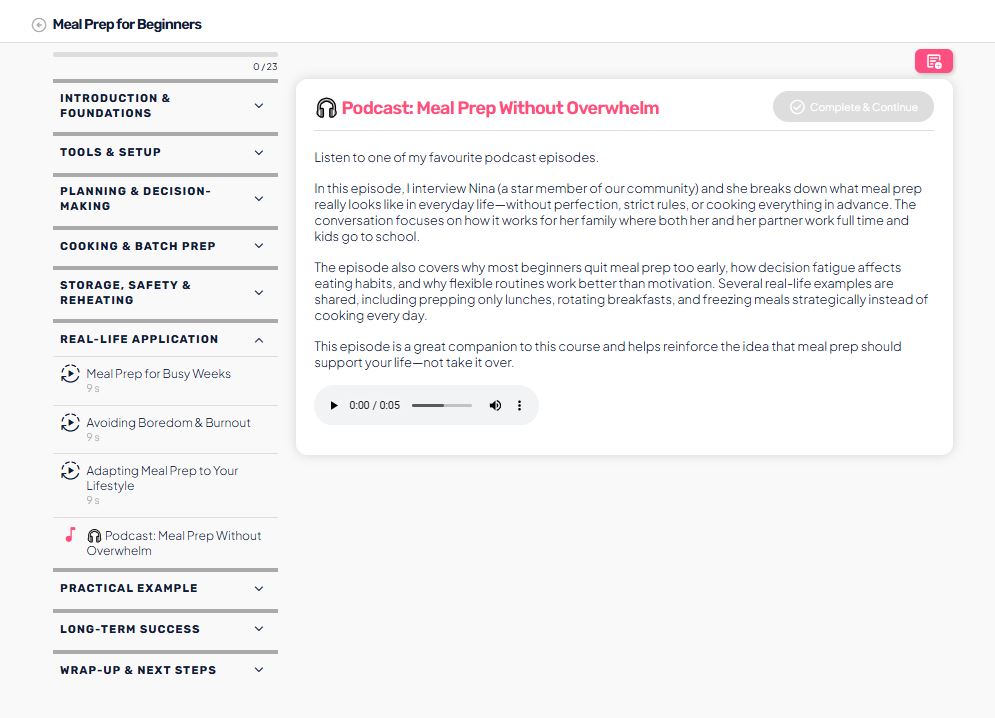
Audio lessons allow users to consume content without video.
They allow you to:
- upload an audio file,
- listen directly within the platform,
- combine audio with a description or additional materials.
Use cases: meditations, guided talks, podcast episodes, breathing exercises.
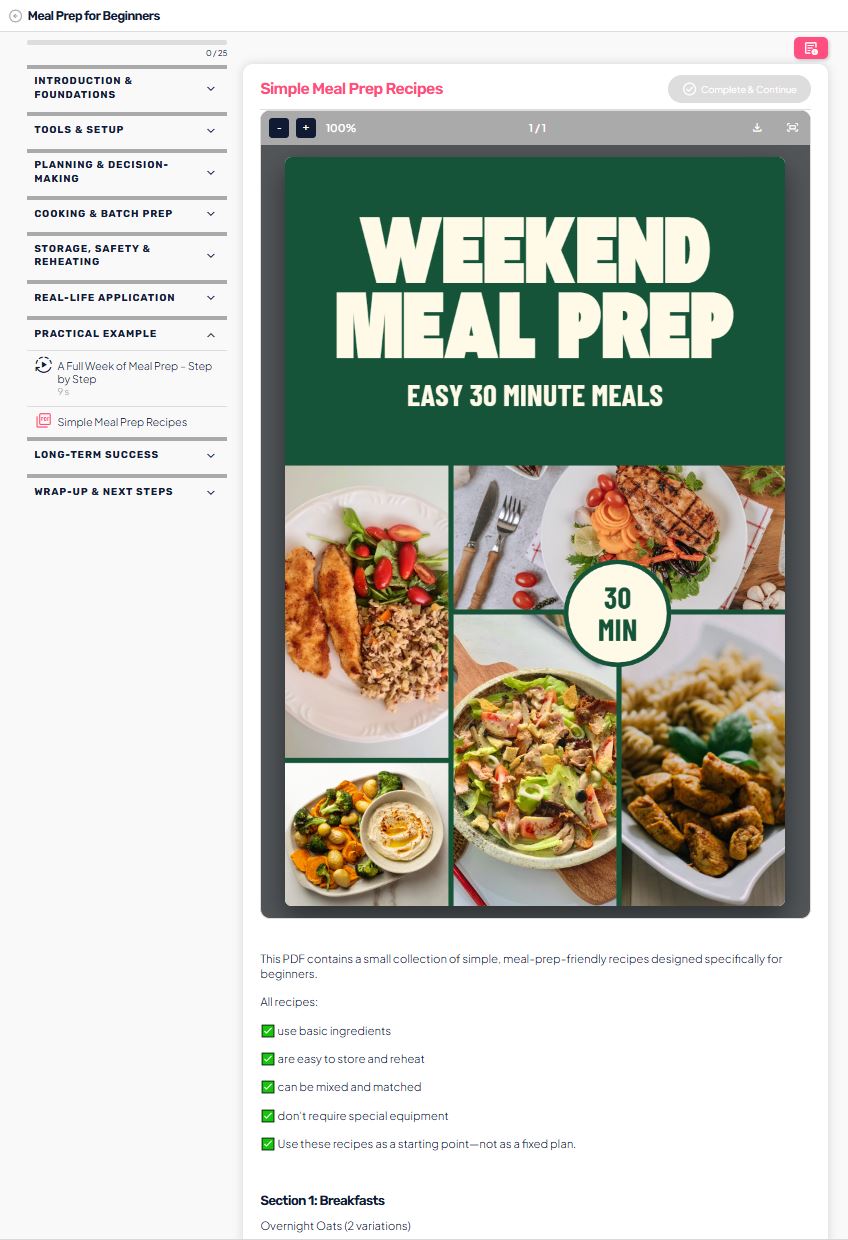
PDF lessons are designed for working with documents.
They allow you to:
- upload a PDF file,
- view the document directly inside the platform,
- optionally allow users to download the PDF.
Use cases: worksheets, e-books, recipes, manuals.
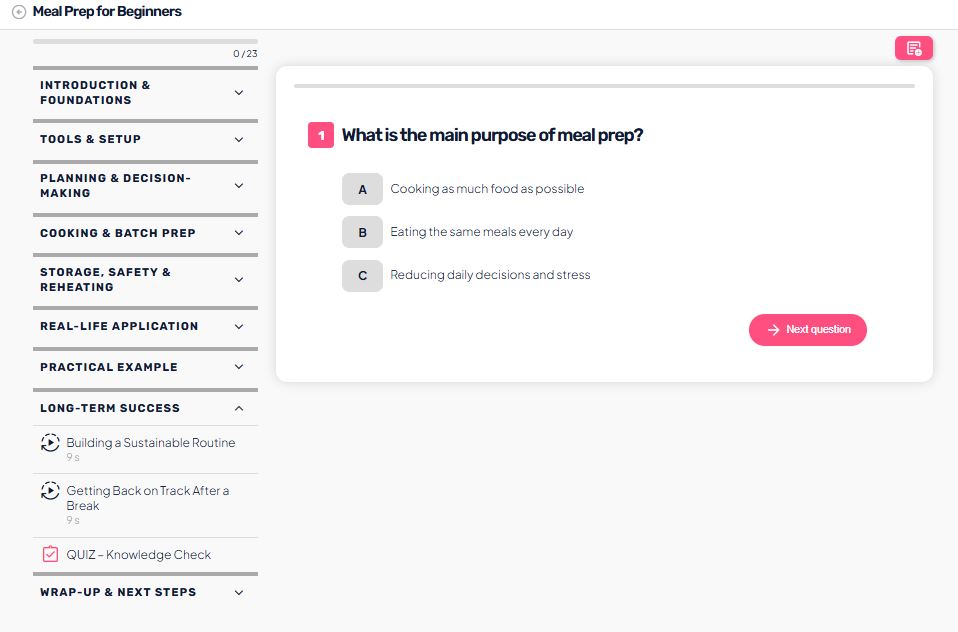
Quiz
Quiz lessons are used to test knowledge.
They allow you to:
- create questions with different answer types,
- define correct answers,
- set a minimum passing percentage,
- allow quiz repetition.
Use cases: knowledge checks, module completion, user activation.
Survey
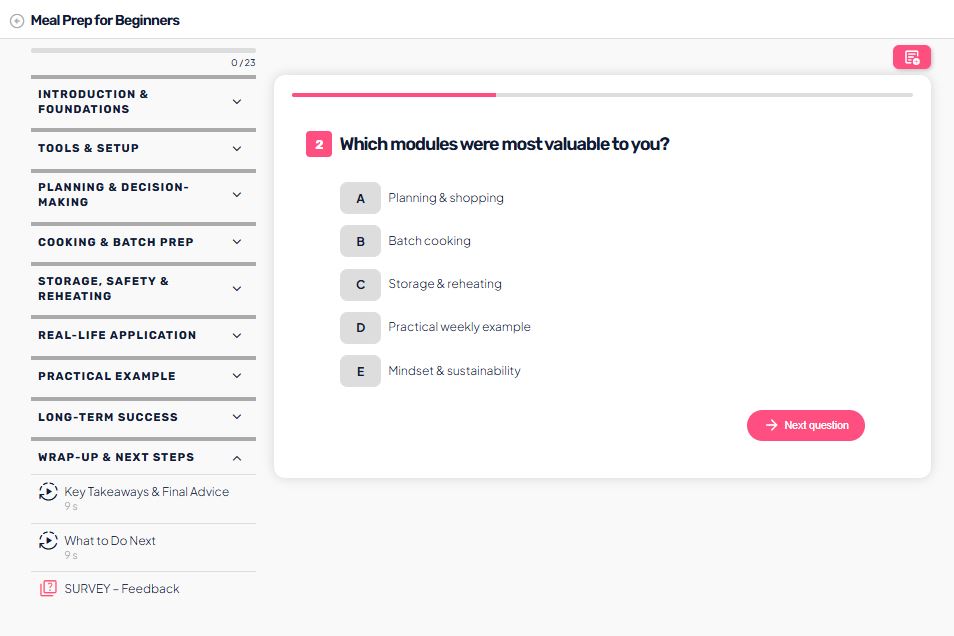
Surveys are designed to collect feedback.
They allow you to:
- create questions without correct answers,
- collect opinions and feedback,
- review user responses.
Use cases: post-module feedback, interest research, content evaluation.
Combining lesson types
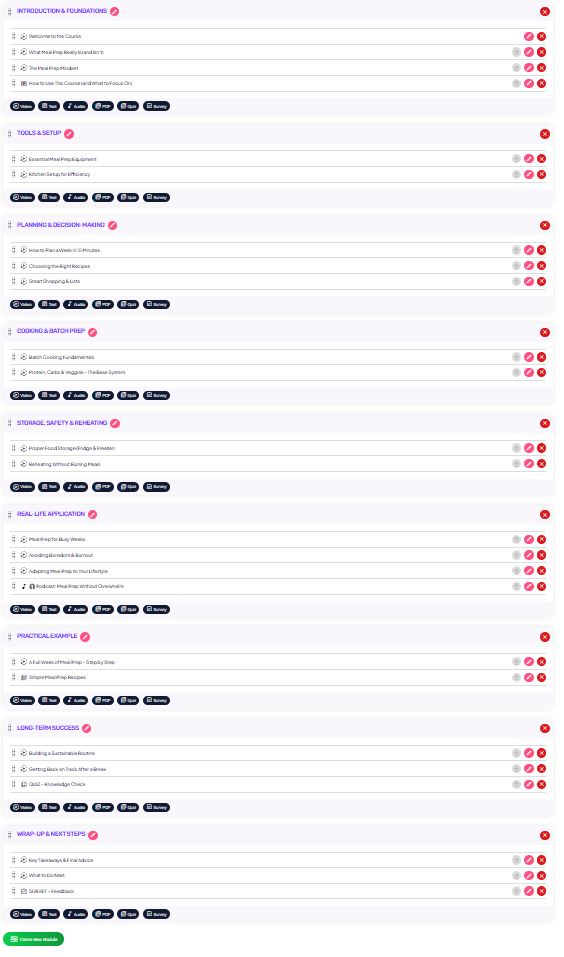
Within a single course, you can:
- use multiple lesson types within the same module,
- combine video, text, PDF, and quizzes,
- adapt the structure based on the course goal and user experience.
Summary
Lesson types in Audienced allow you to:
- create content flexibly,
- adapt to different learning styles,
- increase engagement and improve the user experience.
By choosing the right lesson type, you clearly guide users on how to consume the content and what outcomes to expect.