After Signing Up
After successfully signing up for Audienced, it’s recommended that you first set up the basic account settings and structure. This ensures the platform works properly and that the experience for your users is clear and professional.
Below are the essential steps it makes sense to complete after signing up.
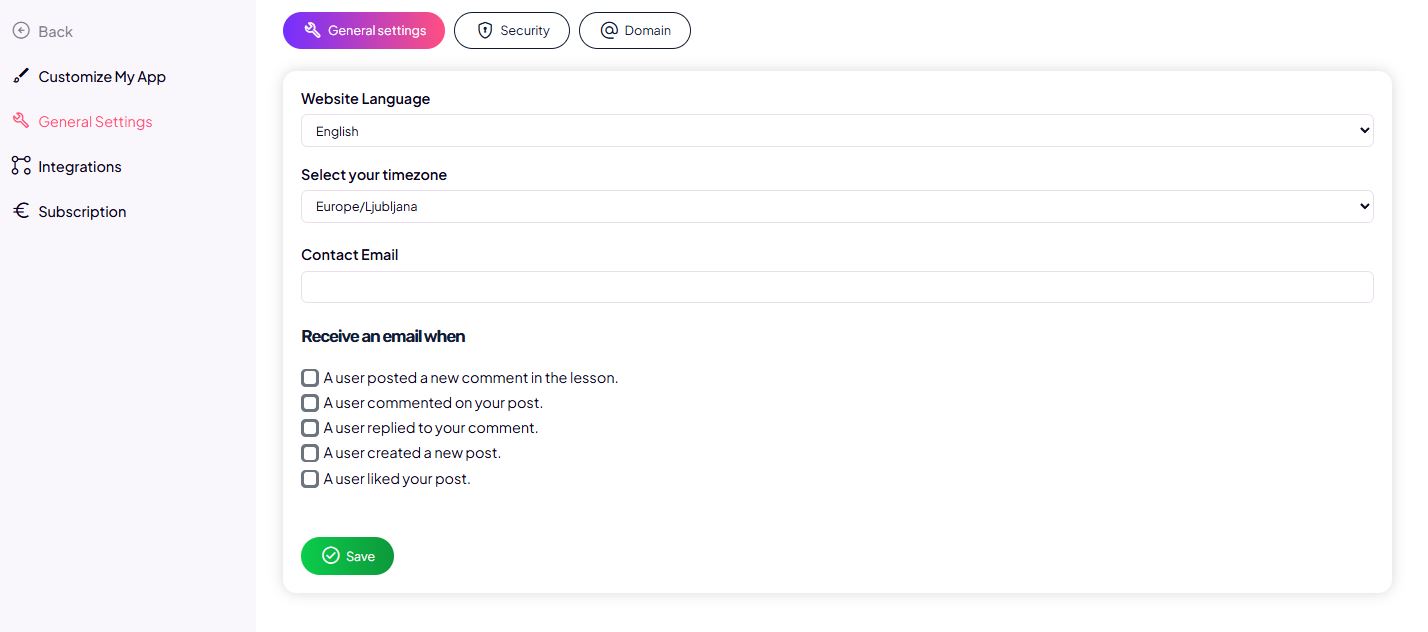
1. Review basic account settings
First, check:
- account details,
- language and time zone,
- basic profile settings.
These settings affect content display, notifications, and overall platform behavior.
2. Customize the platform
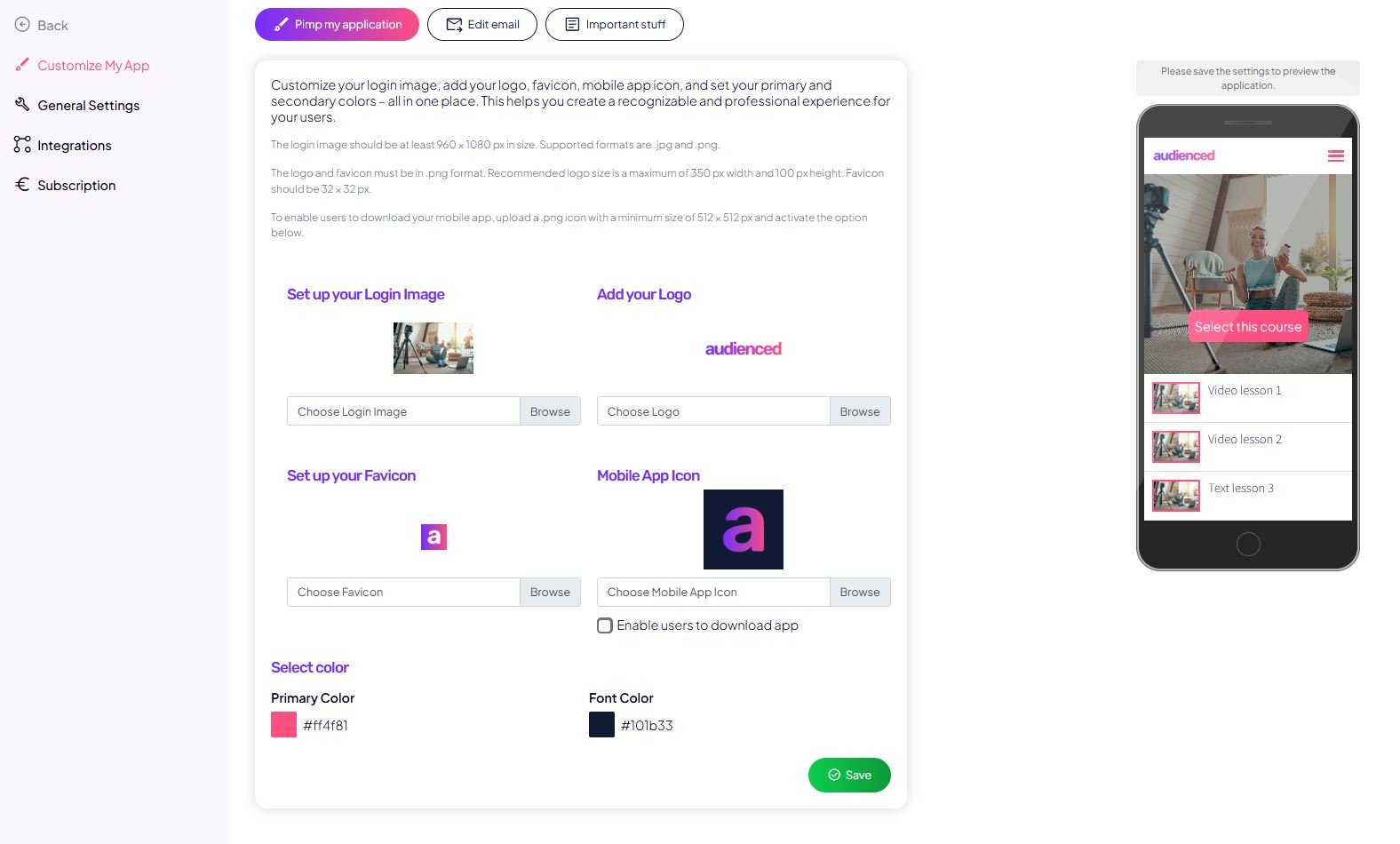
Before you start creating products, it’s recommended to configure the core settings that influence user experience and trust.
This includes:
- setting up your logo and colors,
- adding terms of use and basic legal information,
- setting up FAQ content if you use it,
- reviewing and adjusting the welcome email for new users.
This ensures a consistent and professional experience from the very first interaction.
3. Connect a payment system (Stripe)
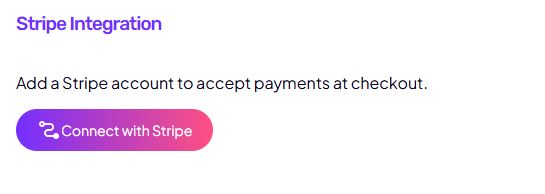
To sell digital products, you need to connect a payment system.
In this step, you will:
- connect your Stripe account,
- enable payment acceptance,
- prepare the foundation for choosing payment methods on products.
Without a connected payment system, sales are only possible via bank transfer.
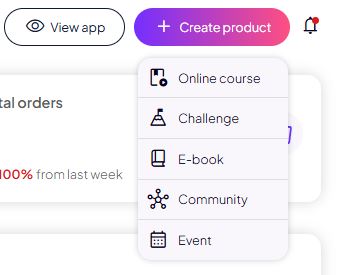
4. Create digital products
Once basic settings and payments are in place, you can start creating digital products such as:
- online courses,
- challenges,
- communities,
- other structured programs.
In this step, you define:
- the product structure,
- the content,
- access rules.
5. Review the user experience
Before sharing your product or starting sales, it’s important to check:
- how members see the content,
- whether access permissions are set correctly,
- whether navigation is clear and logical.
This step helps prevent misunderstandings and support requests later.

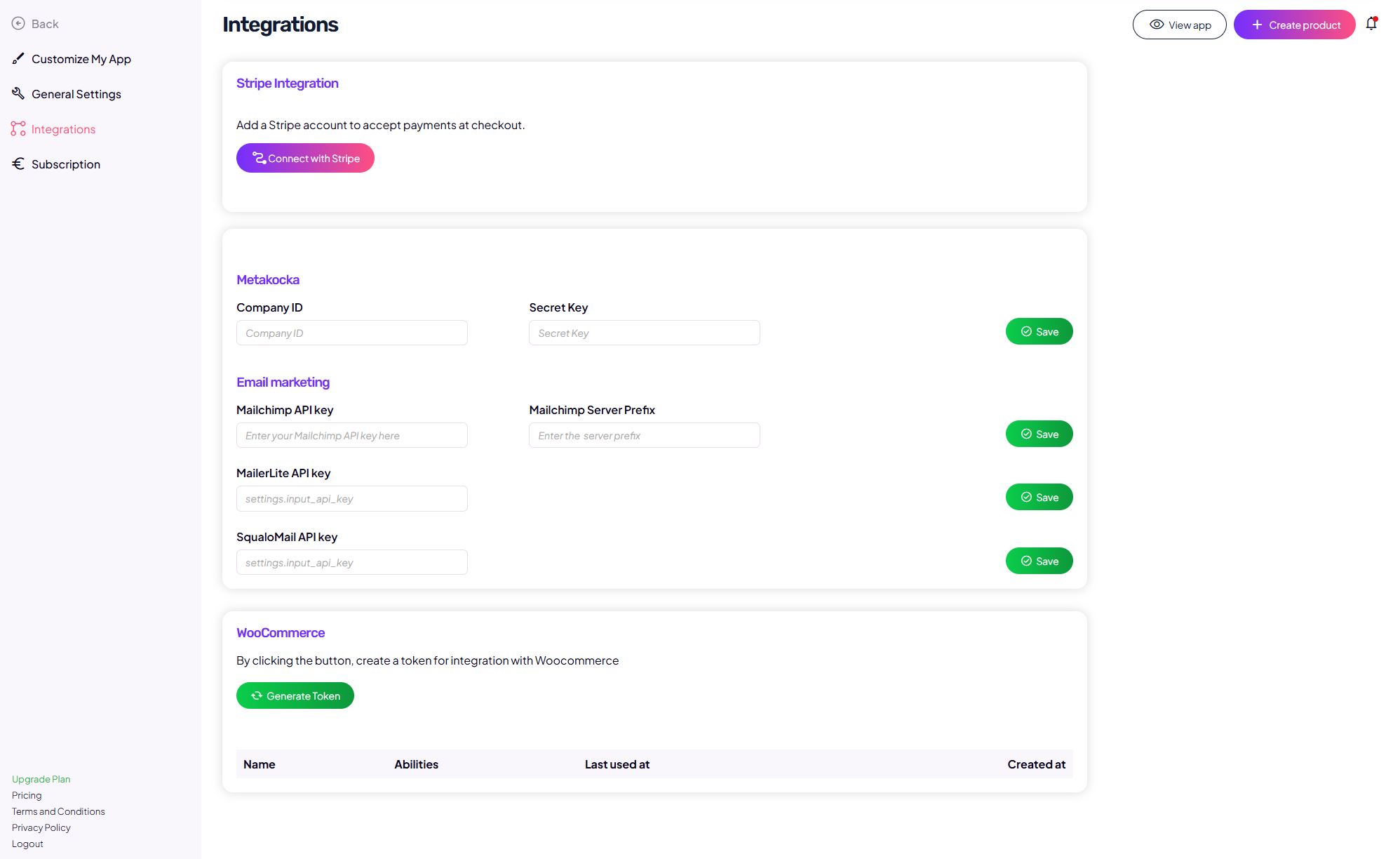
6. Connect additional tools and automations
For efficient business operations, it’s also recommended to set up:
- integration with email platforms,
- automated notifications,
- automatic invoicing,
- a review of tax and billing settings.
This turns Audienced into a stable foundation for long-term use.