Add courses for purchase in the platform
The Show sales course in “Next courses” feature lets you display paid courses as a next step or recommendation inside your course area. It is designed for upsells and a natural progression in the user journey after someone signs up for a free digital product or completes a purchase.
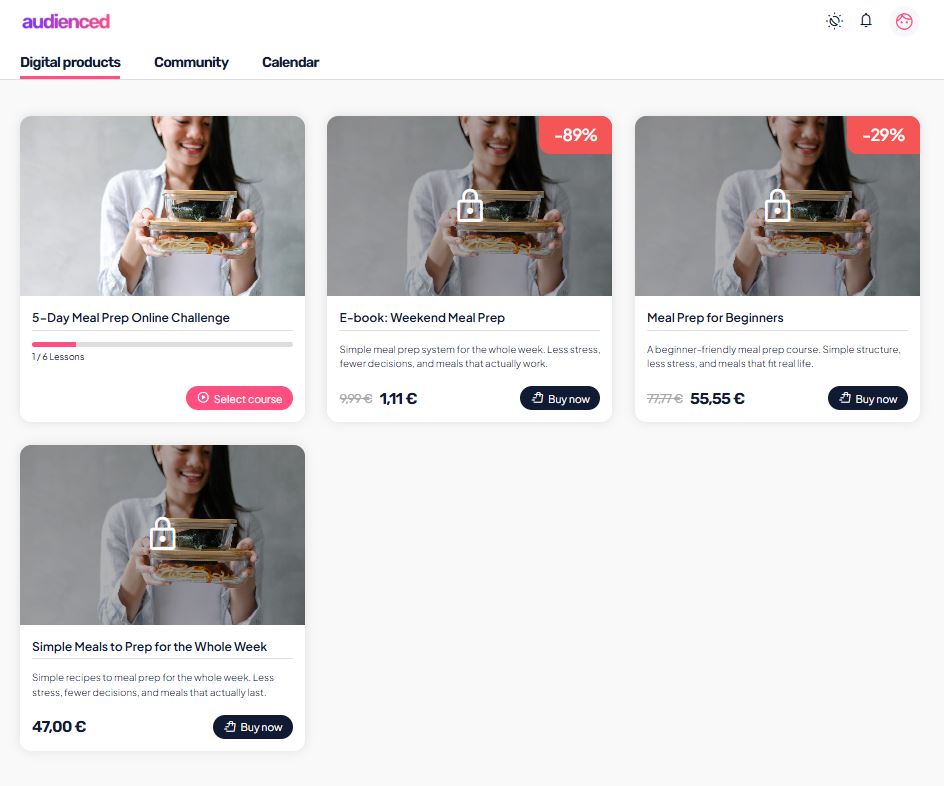
Show sales course in “Next courses”
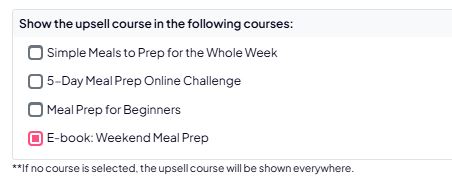
Here you define which existing users will see this sales course as an upsell, based on which course (paid or free) they already have access to.
You can select one or multiple courses.
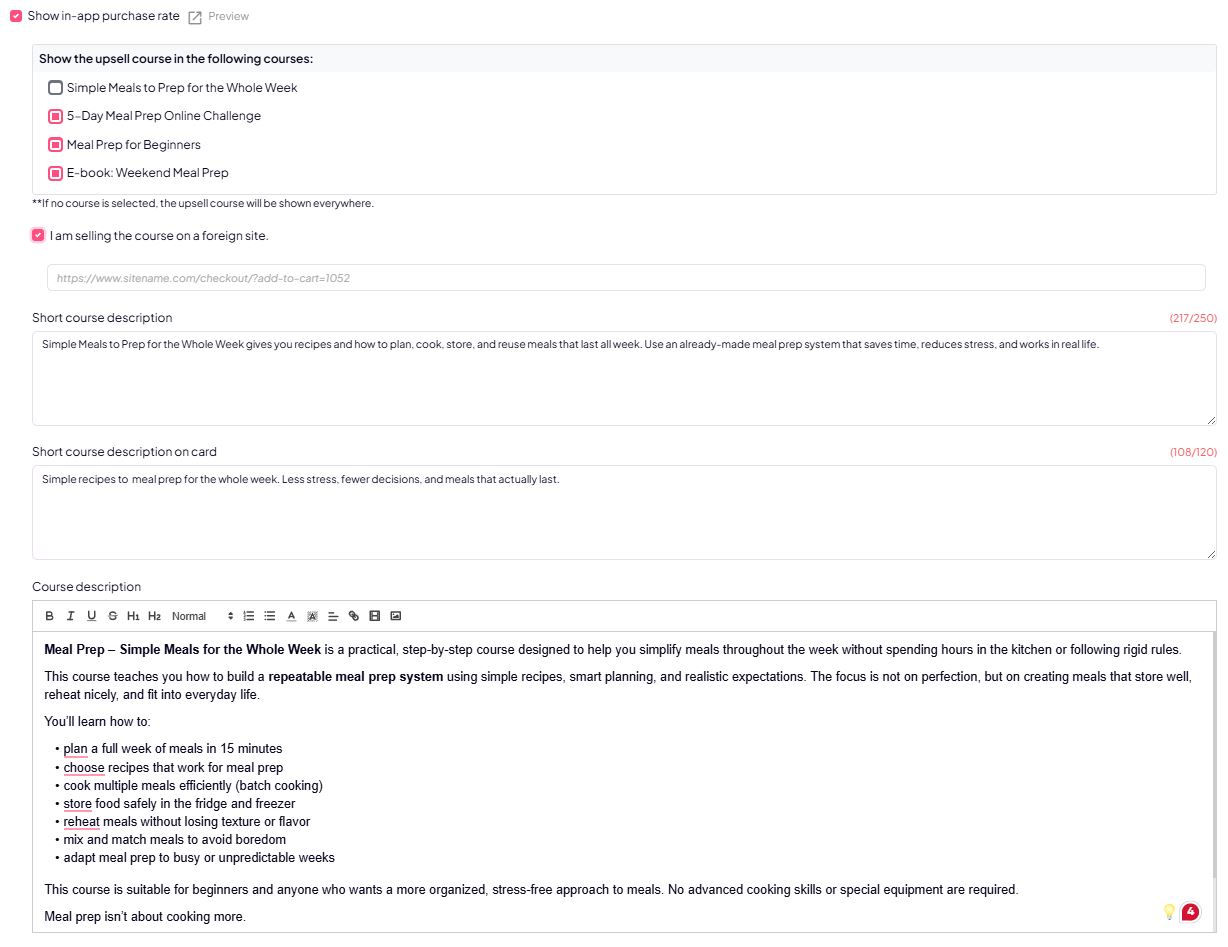
If you don’t select any course, the sales course will appear in the Digital products tab.
This is ideal for:
- upgrades (basic → advanced),
- continuation programs,
- upsells from free content.
Sales course setup
I sell this course on an external website
If you enable “I sell this course on an external website”, the Audienced platform will not use its internal checkout. Instead, it redirects users to an external sales page.

In this case, you need to add:
Link to your external checkout
(e.g., WooCommerce, Shopify, ThriveCart, Gumroad …)
When the user clicks the purchase button, they will be redirected to the provided link.
Course descriptions
Course descriptions are displayed in different areas of the platform and directly influence purchase decisions. That’s why they should be clear, specific, and focused on user outcomes.
Short course description (up to 250 characters)
- Shown on the course sales page and in other visible areas across the platform.
- Its purpose is to provide a quick explanation of the course’s main value.
Recommendation:
- who the course is for,
- what outcome the user will achieve.

Short card description (up to 120 characters)
- Displayed on the course card in the digital products list.
- Keep it short, clear, and focused on the main benefit.

Course description (main description)
This is the main course description shown on the course page inside the platform.

Summary
- Show course for purchase on the platform → the sale happens inside Audienced (Stripe).
- I sell this course on an external website → the user is redirected to an external checkout.
- Show sales course in “Next courses” → enables upsells inside existing courses and digital products.
- Course descriptions → are critical for communicating value and driving purchase decisions.