Notes in Lessons
User Notes allow each user to create their own private notes while watching lessons. These notes are visible only to the user who created them – not to the admin or the course creator.
This feature is designed for personal reflection, capturing ideas, summaries, or concrete action steps the user wants to take.
Notes are always linked to lessons and serve as a personal learning tool for the user.
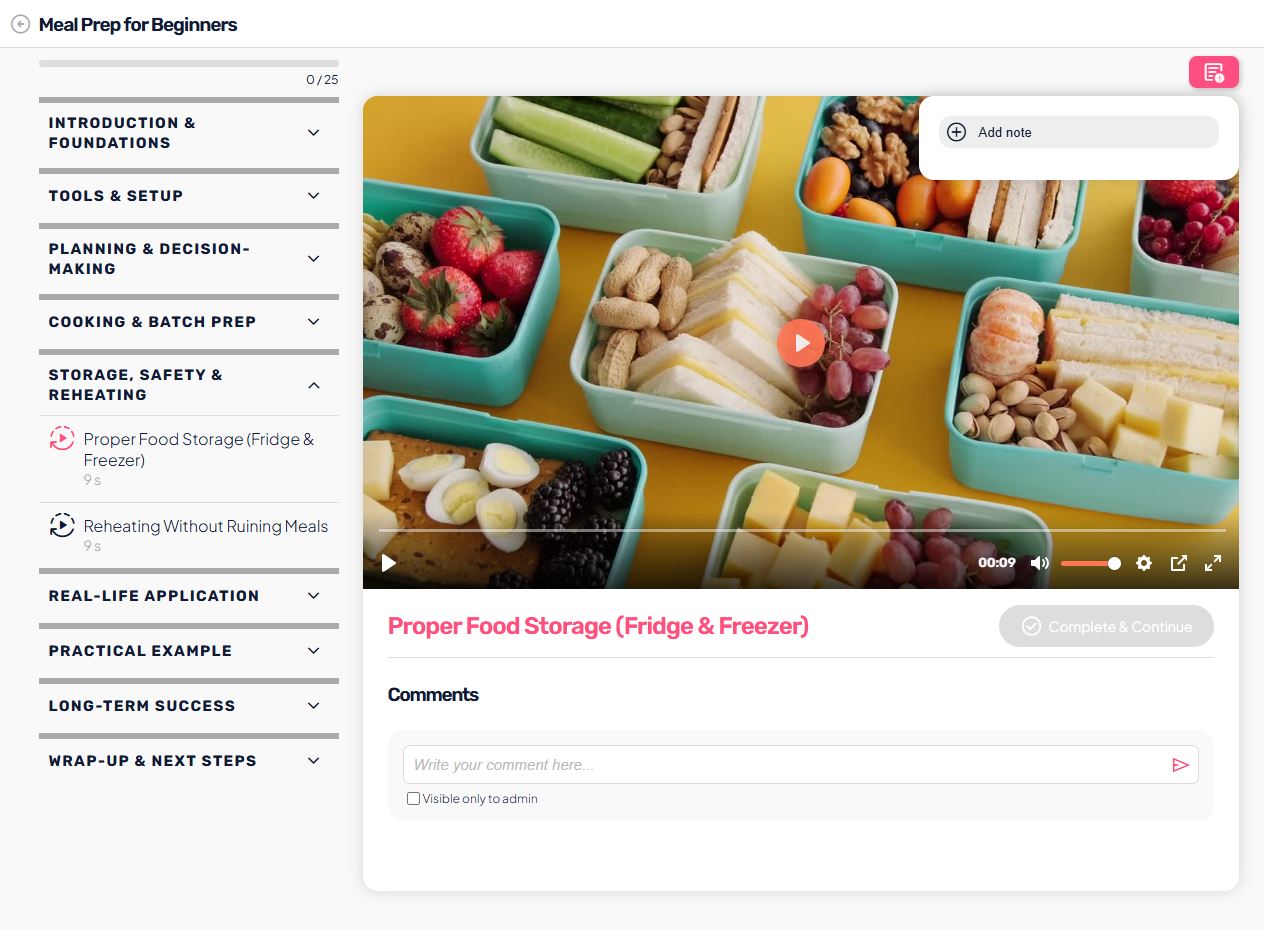
How users use notes
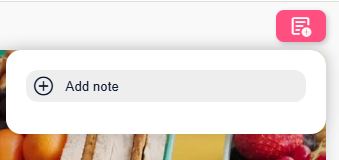
Users can create notes directly while viewing a lesson:
- on the right side of the lesson, they click Add note,
- a note input form opens,
- they enter a title and note content,
- the note is saved and immediately appears in the notes list.
Notes are linked to both the user and the lesson, which means users can keep separate notes for each individual lesson.
Note privacy
Notes are completely private:
- only the user who created them can see them,
- admins and course creators have no access to note content,
- notes are not displayed in analytics or administration.
This gives users a safe space to freely write down personal thoughts, doubts, or plans.
Editing notes
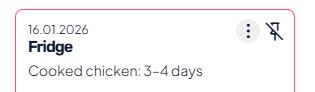
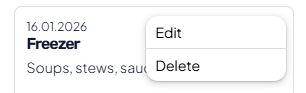
Users have full control over their notes. Quick action bar is available for each note in the far right corner – appears on hover. For each note, they can:
- edit the title or content,
- delete the note,
- pin important notes to the top of the list.
Pinned notes always appear first, which is useful for key reminders or action points.
Where notes are available
Notes are available in:
- all video, audio, text, and PDF lessons.
Notes are not available in:
- quizzes,
- surveys.
This ensures that notes are used purely as learning support and do not interfere with interactive content such as questions or assessments.
User view
In the user interface:
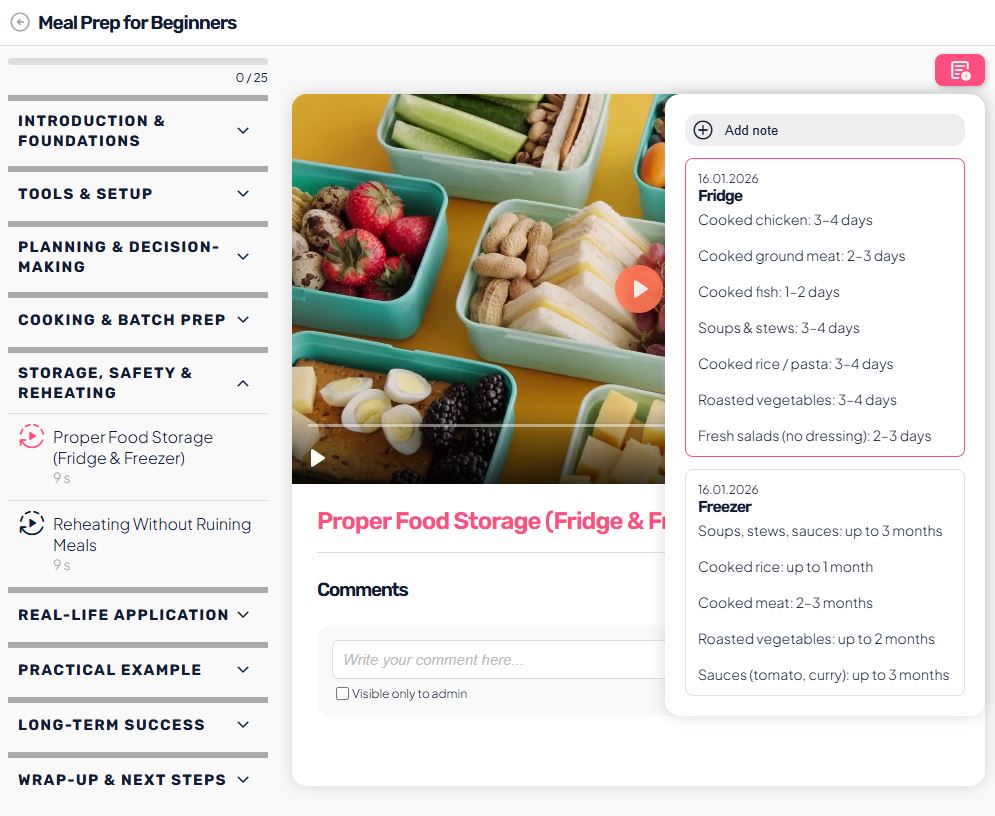
- notes are displayed on the right side of the lesson,
- the notes list is clean and easy to navigate,
- users can quickly see the date, title, and content of each note,
- editing happens without leaving the lesson.
This allows users to take notes continuously without interrupting their learning flow.
When to use user notes
User notes are especially useful when users want to:
- write down personal aha moments,
- create an action plan,
- note questions for later,
- summarize key points of a lesson,
- adapt the content to their own situation (e.g. nutrition, schedule, goals).
The Notes feature increases user engagement and helps users apply knowledge in real-life situations.