Ebook
An e-book in audienced is a digital product in the form of a PDF document, designed for selling or sharing content without a traditional course structure. It is suitable for manuals, guides, workbooks, recipes, e-books, or additional materials that complement other programs.
An e-book is a standalone product.
After creating an e-book, two main sections appear in the side menu:
- Basic information
- Content
Basic information
In the Basic information section, you set the core details of the e-book:
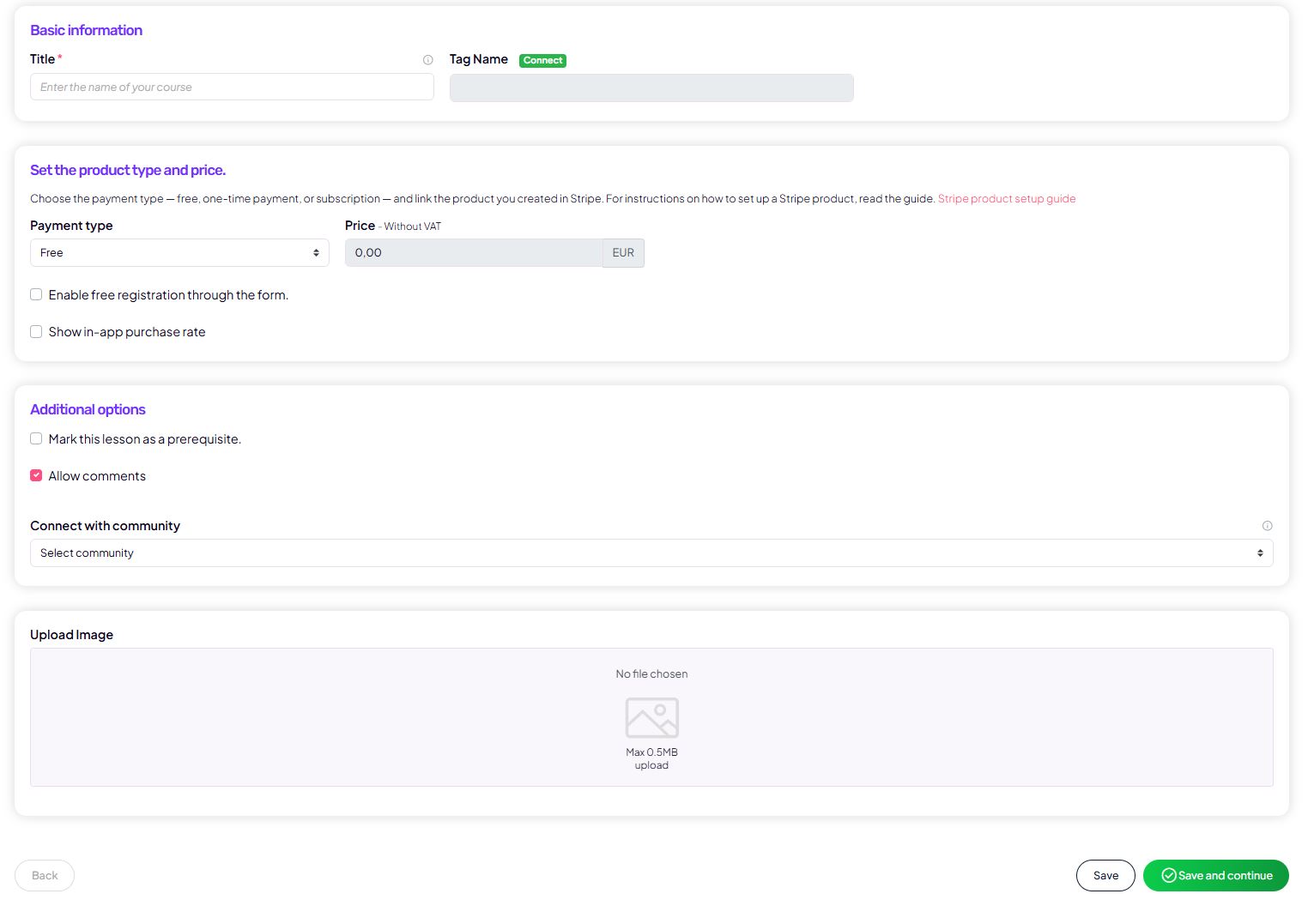
- the e-book title and a tag for segmentation in your connected email platform,
- payment type:
- free,
- one-time payment,
- subscription,
- price (prices are entered excluding VAT),
- the option to allow free sign-up via a form,
- product visibility in the app,
- comment permissions,
- the product cover image.
This section determines how the e-book is presented to users and under what conditions it is accessible.
Content
The Content section is specific to the e-book and is completed as follows.
E-book
Technically, the e-book is created as a single lesson that contains the PDF content.
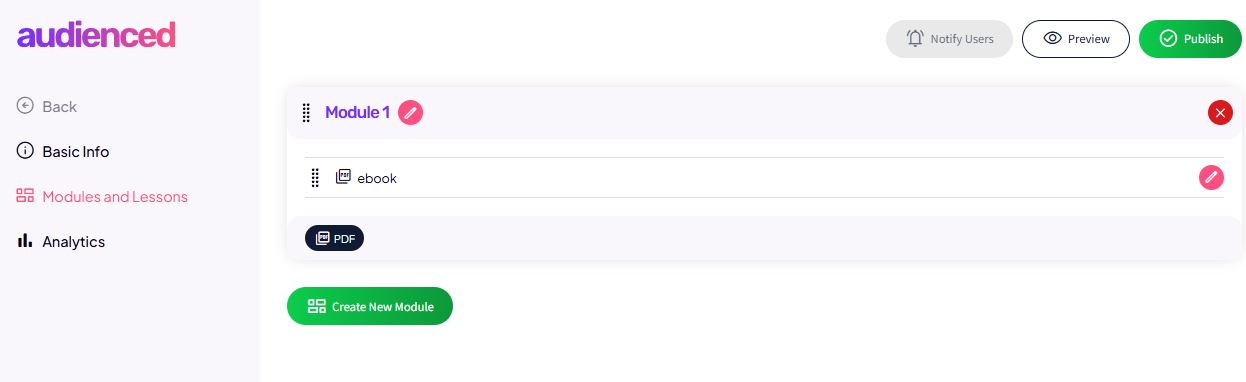
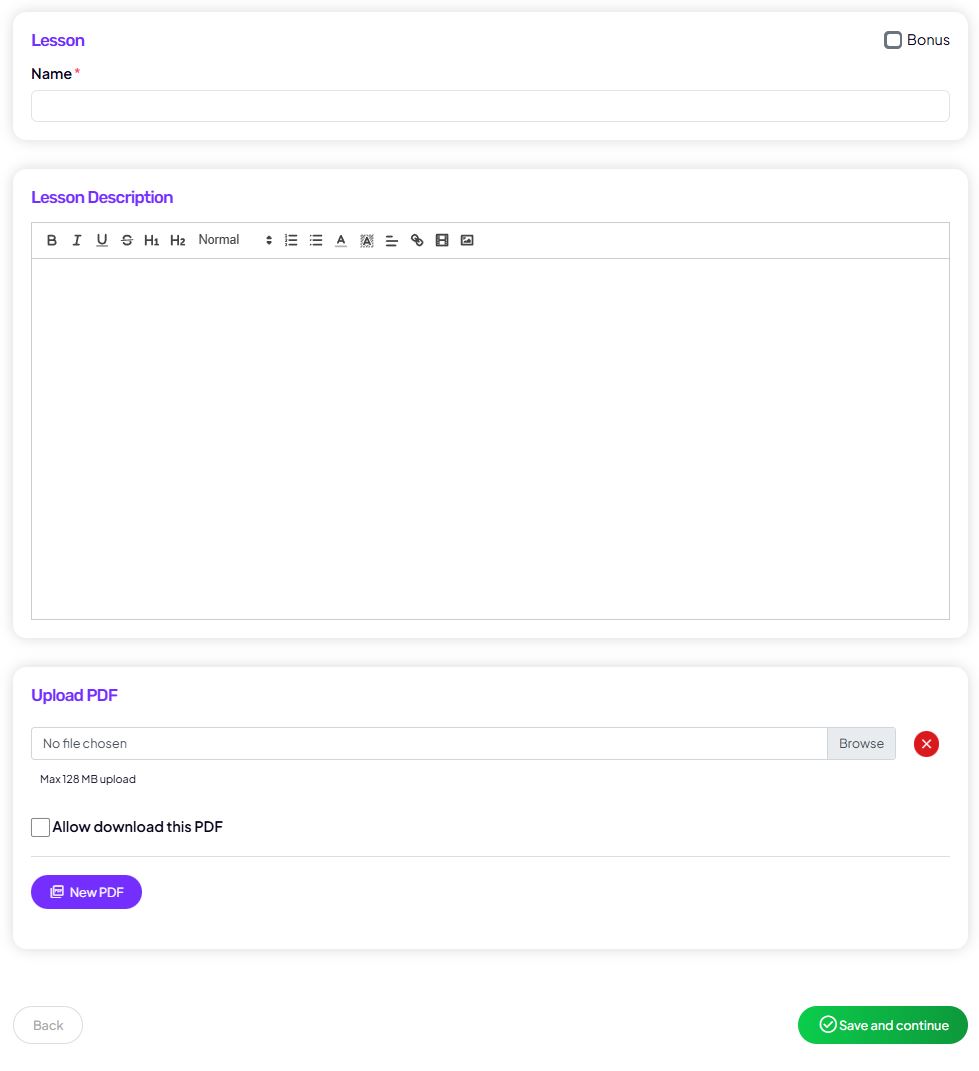
In this step, you set:
- lesson title (e.g. the e-book name),
- lesson description (optional – for additional explanations, instructions, or an introduction),
- the PDF file.
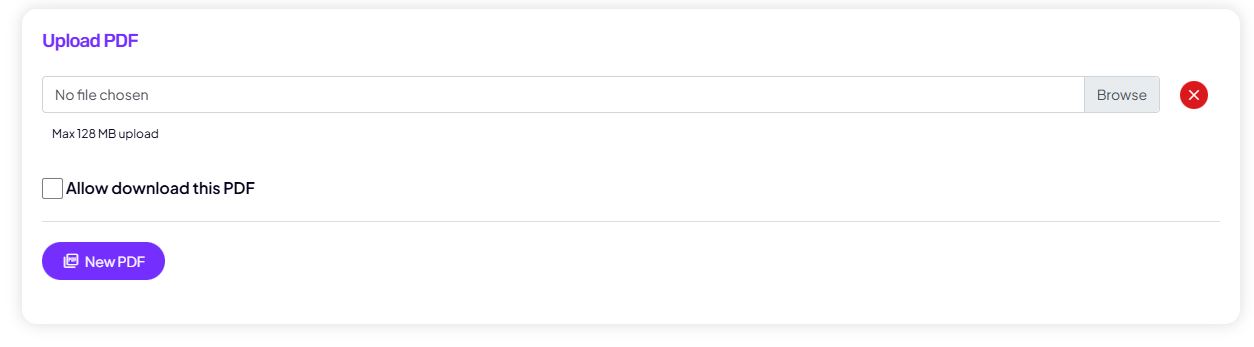
PDF file
In the Upload PDF section, you upload the e-book file.
For the PDF, you can set:
- in-platform viewing
Users read the e-book directly in audienced. - PDF file download enabled
Users can download the file to their device.
The choice depends on whether you want to protect the content or allow a permanent download.
How users see the e-book (user view)
From the user’s perspective, the experience is very simple:
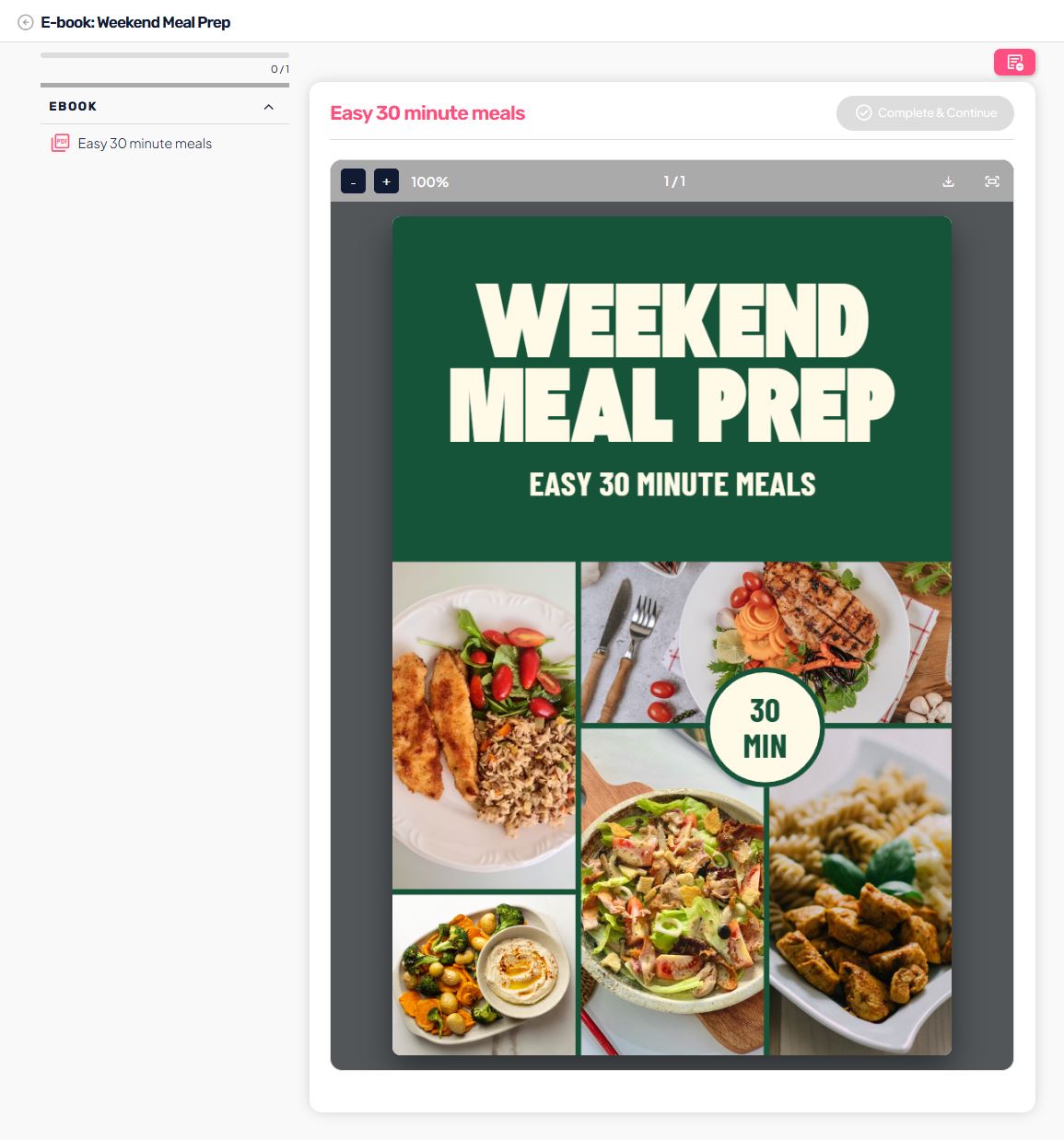
- the e-book appears among the user’s products,
- when clicked:
- the PDF opens in the built-in reader within the platform, or
- the file download is enabled (if allowed),
- there is no additional navigation or progression.
The user experience is designed for fast access to content without extra steps.