Update your Profile and Data
In Audienced, you can manage your account details, security settings, and domain configuration in the General Settings section. Correct configuration is important for proper platform functionality, user communication, and a professional app experience.
Where to find profile settings
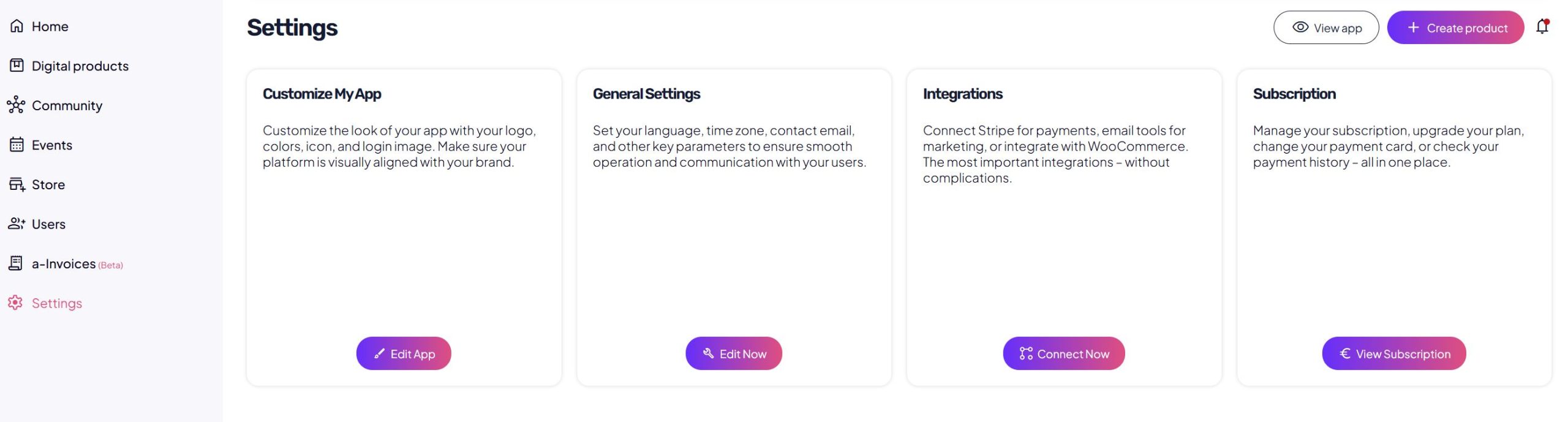
In the Audienced admin dashboard, navigate to:
General settings → Important information
This section is divided into three tabs:
- Basic settings
- Security
- Domain
Basic settings
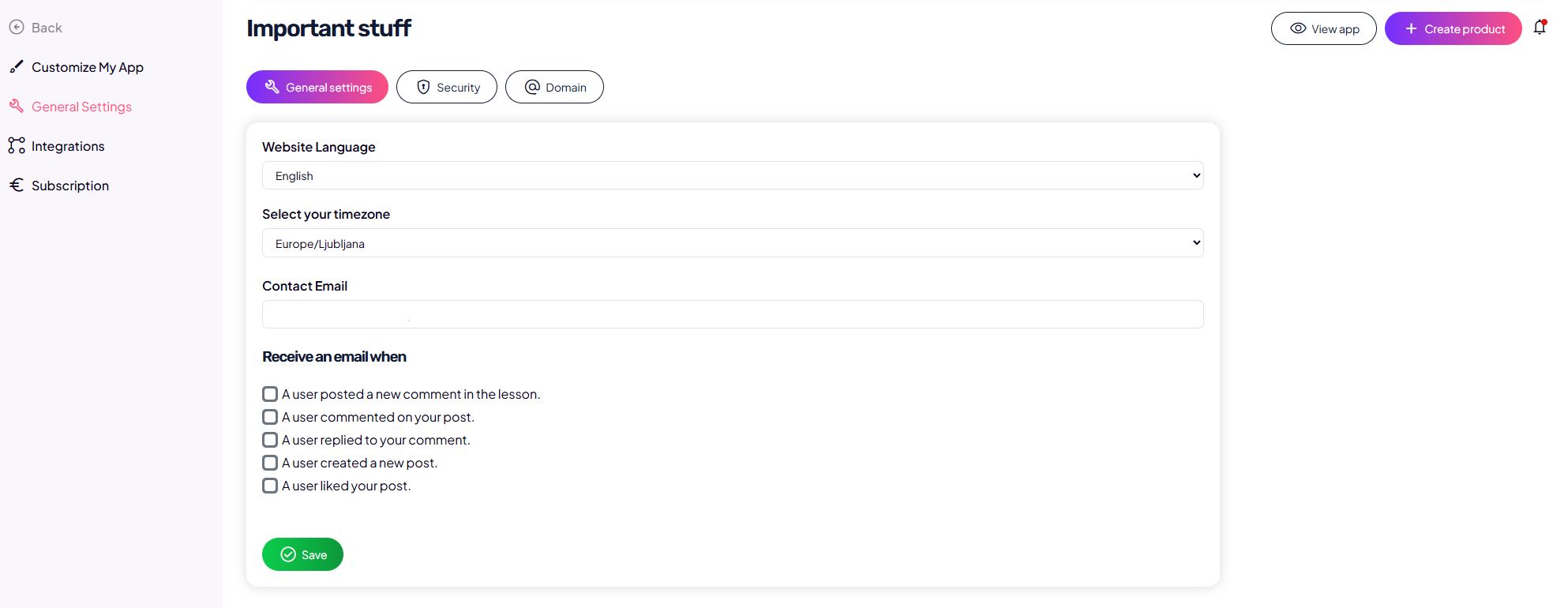
In the Basic settings tab, you can configure:
- App language
Defines the language of the user interface for your users.
- Time zone
Important for correct display of dates, times, notifications, and scheduled content.
- Contact email
The email address used for system notifications and communication.
- Email notifications
Choose which events trigger email notifications, such as:- a new comment in a lesson,
- a comment or reply in the community,
- a new post or like.
After making changes, click Save.
Security
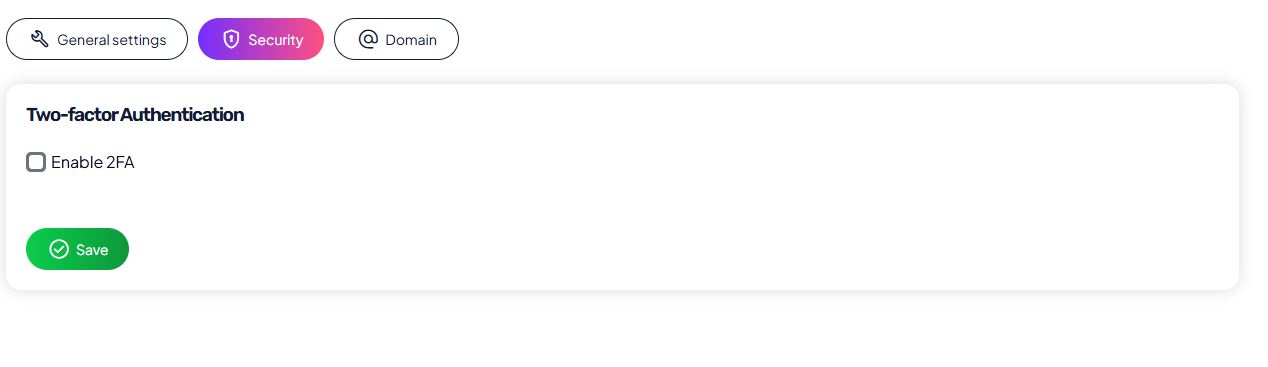
In the Security tab, you can increase the protection of your account.
Available option:
- Two-factor authentication (2FA)
When 2FA is enabled, signing in requires an additional verification step besides your password, significantly improving account security.
Domain
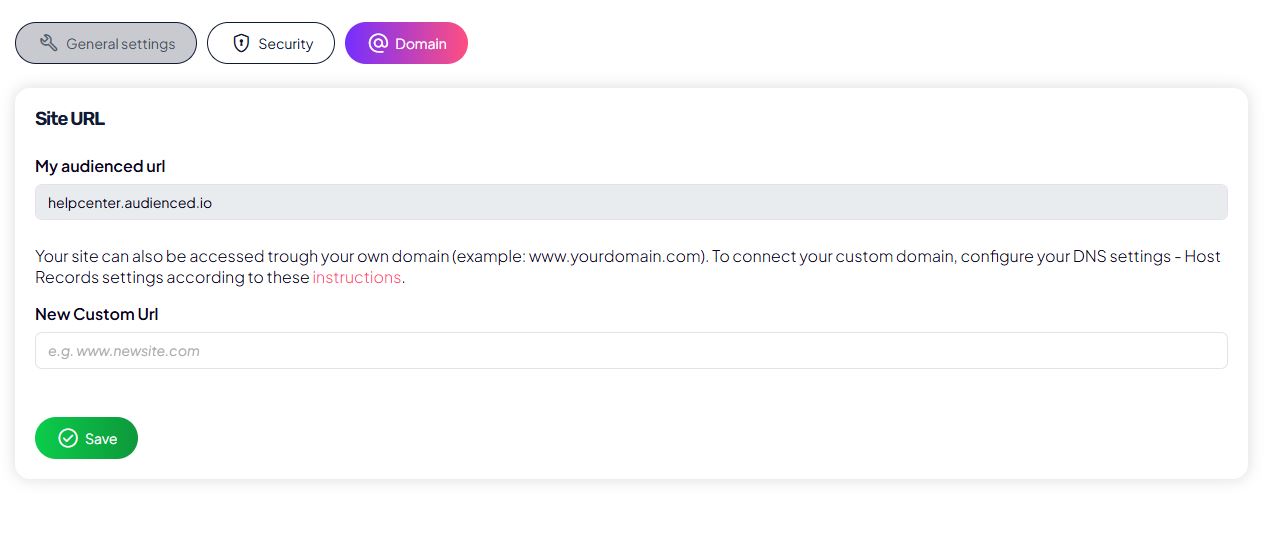
In the Domain tab, you configure the web address of your Audienced app.
Available options:
- use the default Audienced URL,
- connect a custom domain (e.g.
www.yourdomain.com).
When using a custom domain, you must:
- add the domain in the settings,
- correctly configure DNS records according to the provided instructions.
After making changes, click Save.
Detailed instructions for setting up a custom domain are available here.
Recommendation
We recommend that you:
- configure basic settings immediately after signing up,
- verify the correct language and time zone,
- set a contact email address,
- enable 2FA if needed,
- configure your domain before sharing or selling products.