Creating an Account
You can create an Audienced account in just a few simple steps. No special technical knowledge or additional tools are required to register.
What you need to register
To create an account, you need:
- a valid email address,
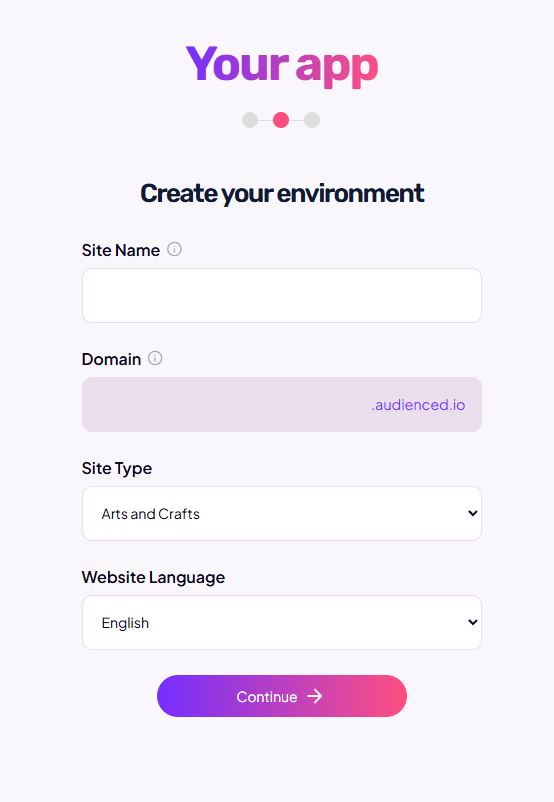
- the name of your online classroom,
- your first and last name,
- a password.
No credit card is required for registration.
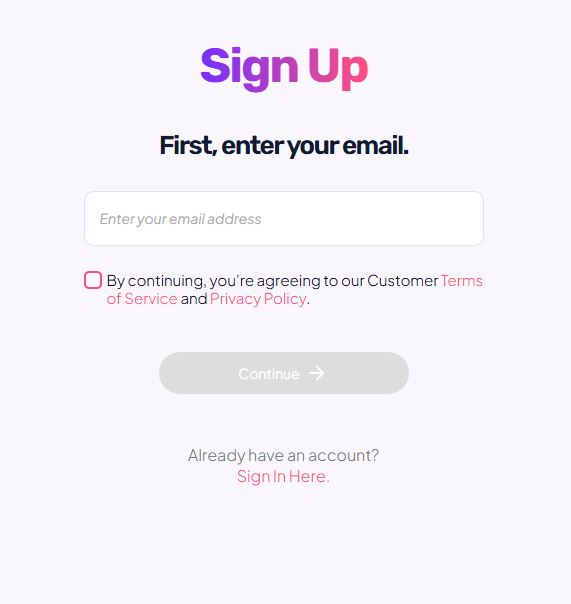
Account creation process
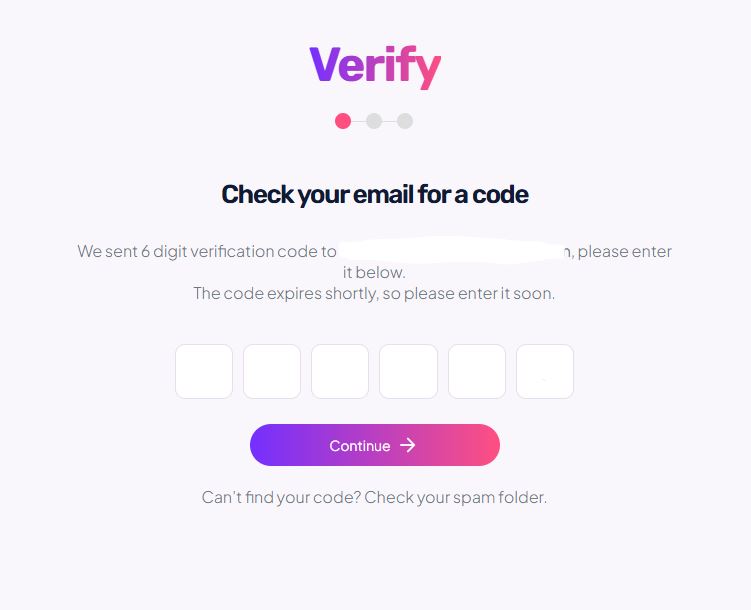
- On the Audienced website, choose the option to create an account.
- Enter your email address.
- Confirm your registration via email.
- Enter your basic information.
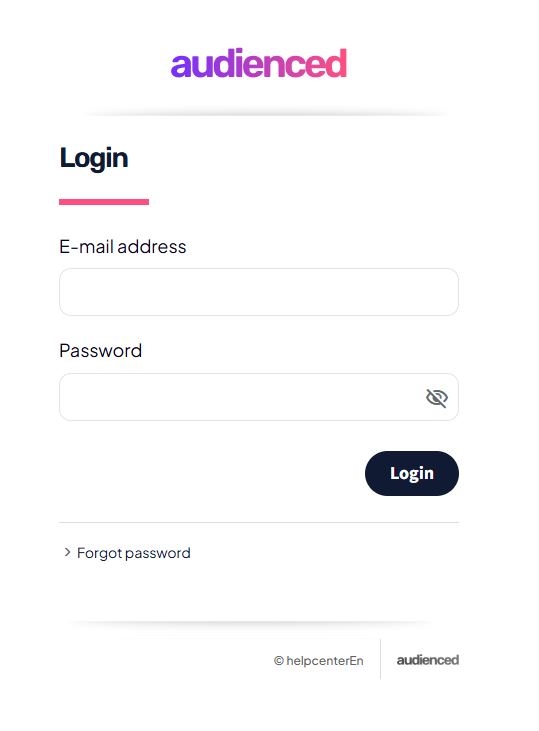
- After successful confirmation, you can log in to your Audienced account.
After logging in successfully, you will have access to the admin dashboard.
What happens after your account is created
Once your account is created:
- you gain access to the Audienced admin dashboard,
- you can explore the available features,
- you can start setting up products, content, and communities.
Common issues when creating an account
I did not receive the confirmation email
- check your spam or junk folder,
- make sure the email address was entered correctly.
I can’t create an account using the same email address
- each email address can be linked to only one Audienced account.
You can create your account here.